



Meowzino App: Compatible Interface Without Downloads
With our Meowzino App, Portuguese customers can open the casino on their smartphone or tablet. The progressive web app keeps games, promotions and account features in a layout made for mobile screens. Customers use the same profile for mobile slots and other casino sections. The Meowzino APK is not required for PWA access, since the platform runs through the browser and a home-screen shortcut.



Meowzino Mobile Experience: Strengths and Limitations
Players use the same account on mobile and PC. Their balance and profile details are the same. Games are available through the Meowzino app on smartphones and tablets. The Meowzino download app setup works with PWA technology and adds a shortcut to the home screen for touch-based access. Updates arrive through the web, without another installation. Mobile is handy away from a computer. A PC has more screen space for longer sessions.
How to Install Meowzino PWA on Android
Android users add the PWA through Chrome, without installing a regular Android app. The Meow Zino app setup takes just a few steps:
- Open the Meowzino website in Chrome.
- Tap the three-dot menu in the browser.
- Select Add to home screen.
- Tap Add to confirm.
- Find the Meowzino icon on your home screen and tap it to open the mobile casino.
After setup, the PWA opens from its own home-screen icon. You can also hold and drag the shortcut to place it wherever you prefer.
Secure Gaming with PWA
The browser restricts access to contacts, storage, the camera and other device features. The Meowzino app works as a PWA within these browser limits, rather than receiving the wider device access associated with a standard installed application.
- No installation files: The Meowzino app download setup does not require a separate APK file or software package.
- HTTPS connection: Data exchanged between the browser and website travels through an encrypted HTTPS connection. Backend systems and other security measures provide further protection.
- Automatic security updates: The PWA gets updates through the web, with no manual installation needed. The Meowzino app receives the current web version when customers open the PWA.
Get Meowzino on iPhone and iPad
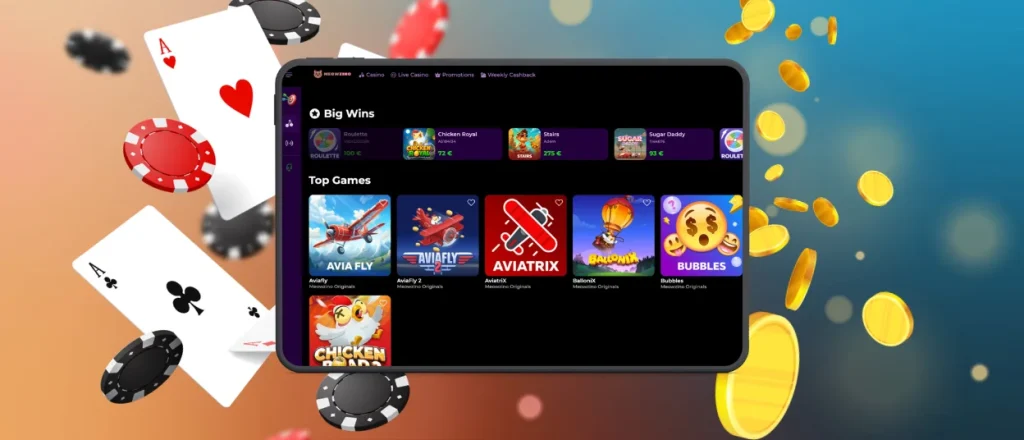
On iPhone and iPad, the PWA is added to the home screen through Safari. Open our website, tap Share, select Add to Home Screen, then confirm with Add. The Meowzino app icon will then appear on your device. From there, customers can open the iOS app shortcut without going through the browser menu again.
Browser-Based Meowzino Gaming
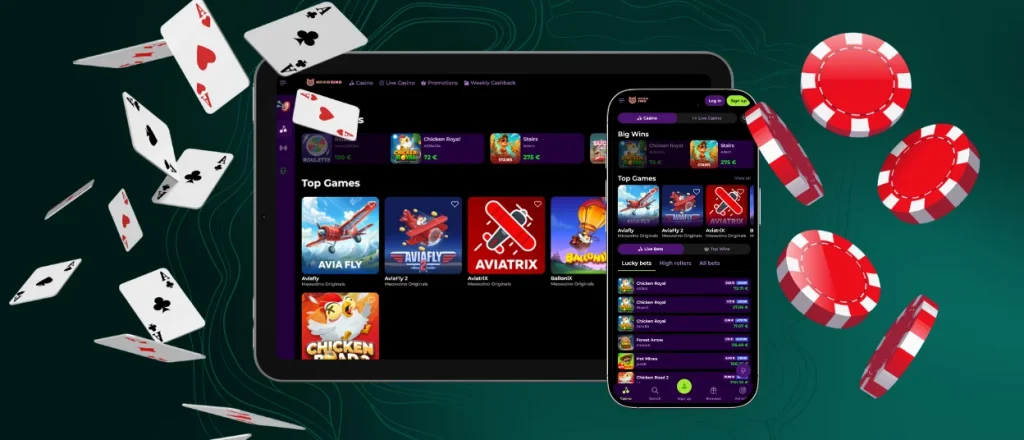
Our mobile casino runs through the browser, so there is no traditional software installation. Customers keep one profile when switching between desktop and mobile. The Meowzino app adapts to smartphone and tablet screens, with controls designed for touch. Mobile slots and other game categories open through the browser or a home-screen shortcut. When you switch devices, your balance and account information remain connected.
Touchscreen Gaming Experience
Touch controls keep the mobile casino practical on phones and tablets. Menus, account sections and mobile slots are adjusted for smaller screens and respond to taps. The Meowzino app also covers mobile betting and mobile gambling, with portrait and landscape modes available for supported games. Smartphones work well when playing away from a PC. Tablets provide a larger display for games with more detailed screens.

FAQ
Does the Meowzino app use a large amount of mobile data?
Mobile data use varies based on the game and the length of play. Meowzino mobile app slots use less data than live casino streams or titles with more detailed graphics.Wi-Fi is better for longer gaming sessions.
What documents are needed to verify an account?
To verify an account, customers need a valid ID, such as a passport or driving licence, and a document confirming their address. In some cases, documents linked to the payment method are also requested. Customers using the Yetizino app follow the same verification process as users on the desktop website.
What happens after several failed detail-entry attempts?
Several incorrect entries might temporarily block new attempts in the mobile app. Check your information before entering it again. If the problem continues, contact customer support.
Is it possible to reactivate a closed account?
Yes. Depending on the status of the account and the reason it was closed, a closed account may be reopened. Get in touch with player support through the Yetizino app and provide the account information they ask for.The team will check the account and confirm the next step.
Is opening more than one account allowed at your Meowzino Casino app?
No. Each customer is limited to one account at our online casino. All play should take place through the account registered in your name.
Is creating an account required to use the Meow Zino app?
Yes. A registered account is needed to use all features in the Meowzino app. Once registered, the same login details will work for both the website and the app.


